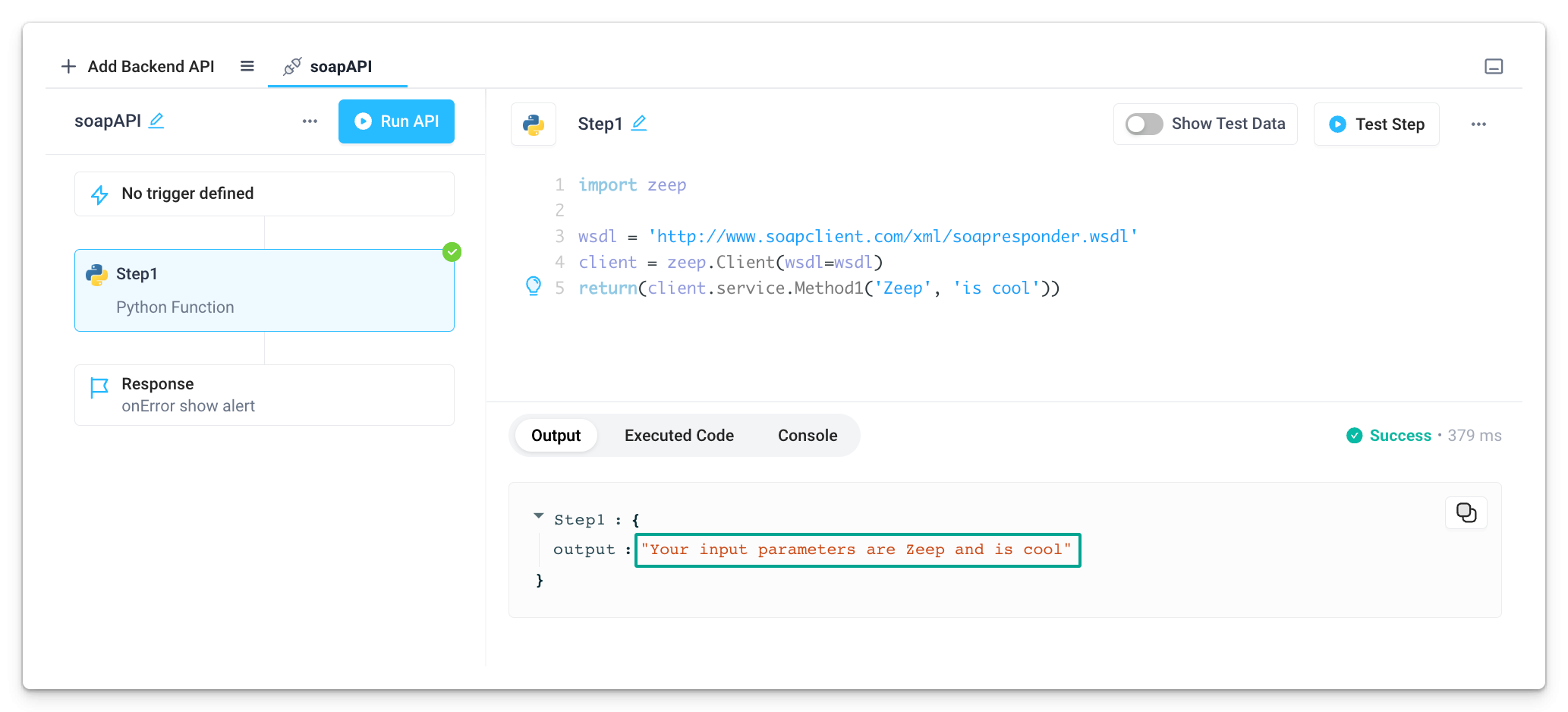
Connect to SOAP APIs
You can connect to SOAP APIs in your Superblocks Applications, Workflows, and Scheduled Jobs using the Zeep SOAP Client for Python.
Example
-
Create a new Application.
-
Add a new backend API by clicking on + Add Backend API and selecting Python from the list of available integrations.
-
Copy and paste the following code to the Python step.
import zeep

wsdl = 'http://www.soapclient.com/xml/soapresponder.wsdl'
client = zeep.Client(wsdl=wsdl)
print(client.service.Method1('Zeep', 'is cool')) -
Click on Run API.